
Best Small Business Backup Solutions for UK Companies Expanding Globally
Expanding into international markets creates exciting opportunities for small businesses. However, it also increases the need to protect valuable business data. A reliable backup solution is no longer just an IT requirement. Instead, it has become an essential part of long-term business growth.
Whether you manage customer records, financial information, marketing assets, or confidential documents, your backup strategy helps protect your business from cyberattacks, accidental deletion, hardware failure, and natural disasters. In addition, it supports compliance with international privacy regulations, including GDPR and other regional data protection laws. As a result, businesses can operate with greater confidence while protecting sensitive information.
Why Choosing the Right Backup Solution Matters
The right backup platform does more than recover lost files. It also helps maintain business continuity, protects sensitive customer information, and keeps your operations running during unexpected disruptions. Furthermore, businesses expanding into multiple countries need secure and reliable data management to build customer trust and strengthen their reputation.
A dependable cloud backup solution supports your broader digital strategy. For example, it protects website content, SEO assets, localised landing pages, customer databases, and business applications that support international growth. Consequently, businesses can reduce the impact of unexpected data loss and maintain consistent online operations.
In this guide, we review the 12 best small business backup solutions for UK-based companies planning to expand globally. Specifically, each review covers key features, pricing, advantages, disadvantages, ideal use cases, screenshots, and direct website links. You’ll also discover how every platform supports business continuity, data security, and technical performance for international operations.
Finally, if you’re looking to strengthen your overall data protection strategy, don’t miss our Small Business Cloud Backup Tips for Secure Data Protection guide. By the end of this article, you’ll have the knowledge needed to compare leading providers and choose the backup solution that best supports your business goals, growth strategy, and long-term success.
1. Digital Fusion Hub
Digital Fusion Hub is a powerful and well-rounded cloud backup solution for small businesses. Not only does it provide secure cloud storage, but it also combines scalable storage, advanced security, and user-friendly collaboration tools in one platform. Rather than serving as a simple online storage service, it enables businesses to back up, manage, and securely share important files from a single location.
Businesses can confidently use Digital Fusion Hub to protect financial records, customer information, legal documents, and project files. Furthermore, all data is secured using AES-256 encryption and protected by SSL/TLS connections. In addition, also uses ISO 27001-certified infrastructure to help businesses meet modern security and compliance standards. As a result, organisations can safeguard sensitive information while reducing the risk of data loss.
Built for Large Files and Team Collaboration
One of Digital Fusion Hub’s greatest strengths is its ability to manage large files efficiently. For example, businesses can upload individual files up to 20GB, making the platform ideal for creative agencies, architects, engineers, photographers, and video production companies. In addition, storage plans scale up to 5TB, providing ample space as businesses continue to grow.
In addition, also simplifies collaboration. Moreover, batch uploads allow organisations to back up thousands of files quickly and efficiently. At the same time, custom sharing links enable businesses to distribute documents securely. Users can add password protection, set expiration dates, and limit downloads for greater control. Consequently, businesses can protect valuable intellectual property while collaborating securely with clients, contractors, and remote teams.
Key Details & Use Cases
Best For
Small and medium-sized businesses looking for a secure, scalable cloud backup solution with advanced file-sharing capabilities, especially those working with large files.
Standout Feature
Support for files up to 20GB, combined with advanced sharing controls, offers an excellent balance of secure cloud storage and professional file distribution.
Pricing
Plans start from approximately $4.99 per month for personal users. Meanwhile, business and enterprise plans offer additional storage, enhanced security, and greater scalability for growing organisations.
Practical Tip
When setting up your first backup, use the batch upload feature to save time. Then, organise files into project or department folders and share them using password-protected links with expiration dates. This approach improves organisation while maintaining strong security across your business.
Why Choose Digital Fusion Hub?
Digital Fusion Hub delivers a secure, reliable, and feature-rich environment that supports business growth. In addition, its flexible storage options and collaboration tools make it suitable for businesses of all sizes. Whether you’re protecting essential business data or sharing large files with clients, In addition, provides the performance and security needed for daily operations.
Pros
- Storage plans up to 5TB
- Supports individual files up to 20GB
- Unlimited transfers on premium plans
- AES-256 encryption with SSL/TLS protection
- Password-protected sharing links
- Download limits and link expiration controls
- Fast browser-based uploads with batch upload support
- Excellent for remote teams and client collaboration
Cons
- Personal plans limit uploads to 1GB per file
- Premium business features require higher-tier plans
Final Verdict
Overall, Digital Fusion Hub provides an excellent balance of security, storage capacity, and collaboration features. In particular, it is well suited for organisations that require secure cloud backups while regularly sharing large files with clients or distributed teams. Furthermore, its scalable storage plans, enterprise-grade encryption, and business-focused collaboration tools make it a practical long-term solution for companies seeking reliable cloud storage and backup services.
Finally, if you’d like to explore its full capabilities, read our guide on Cloud Storage for Small Businesses.
Website: https://digitalfusionhub.com
2. Deep Blue Backup
Deep Blue Backup is a specialised cloud backup solution designed specifically for UK-based small and medium-sized enterprises (SMEs). It focuses on providing secure, automated, and GDPR-compliant data protection. As a result, it is an excellent choice for businesses that need reliable backups while meeting strict UK regulatory requirements.
One of the platform’s biggest strengths is its commitment to UK data residency. Specifically, all backup data is stored exclusively on UK-based servers. This approach helps businesses comply with UK GDPR regulations while protecting sensitive customer information. Consequently, organisations in sectors such as finance, healthcare, legal services, and professional consulting can confidently meet their compliance obligations.
Furthermore, Deep Blue Backup automates the entire backup process, reducing the risk of human error and ensuring critical business data is protected at all times. In addition, automated backups minimise administrative work and help organisations recover quickly after cyberattacks, accidental deletion, hardware failures, or other unexpected incidents.
Overall, Deep Blue Backup combines strong security, automated protection, and UK-based data storage in a straightforward solution. Therefore, it is well suited to businesses that value compliance, reliability, and long-term data protection while maintaining business continuity.
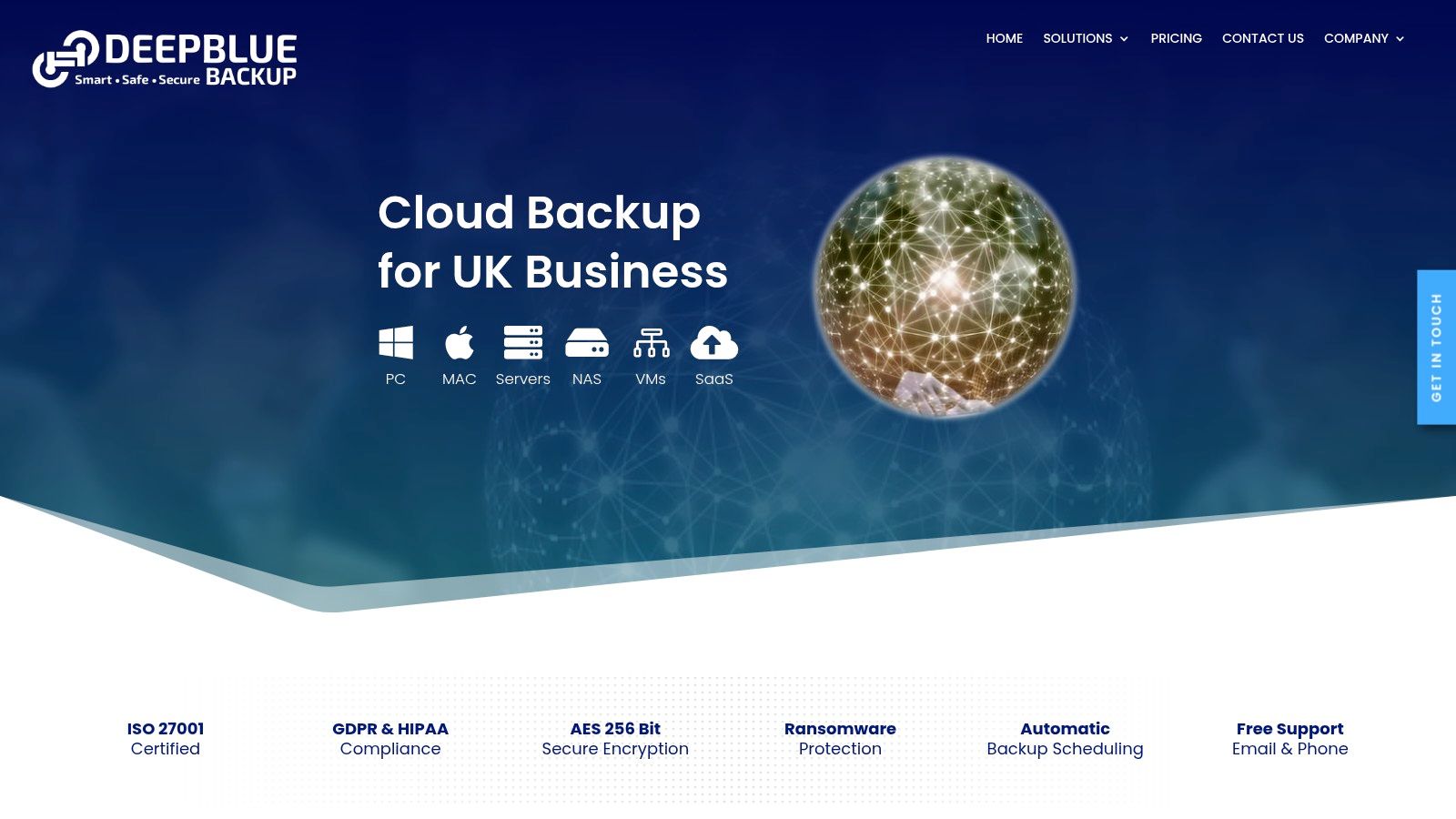
Deep Blue Backup provides robust, automated protection for essential business platforms, including Microsoft 365, Google Workspace, and NAS devices. In addition, helps businesses secure critical files, emails, and business applications through scheduled, automatic backups.
Its UK-first infrastructure simplifies data residency and GDPR compliance for organisations operating within the United Kingdom. As a result, businesses can protect sensitive information while reducing the complexity of meeting regulatory requirements.
Furthermore, provides a reliable foundation for long-term business growth. Whether you’re expanding into international markets, developing multilingual websites, or launching geo-targeted marketing campaigns, Deep Blue Backup helps ensure the data behind your operations remains secure, recoverable, and readily available. Consequently, businesses can focus on growth with greater confidence, knowing their critical information is protected against cyberattacks, accidental deletion, and system failures.
Key Features & Considerations
Deep Blue Backup stands out for its strong focus on security, UK data residency, and regulatory compliance. In addition, combines enterprise-grade encryption with automated backups, making it well suited to organisations that require dependable data protection. Although customised quotes are available for larger deployments, the provider also publishes entry-level pricing for several services, allowing businesses to estimate costs more easily.
Best For
UK-based small and medium-sized businesses, particularly those operating in regulated industries such as finance, healthcare, legal services, insurance, and IT. These organisations benefit from strict GDPR compliance and UK-based data storage.
Security
Deep Blue Backup protects data with AES 256-bit encryption while it is being transferred and while it is stored. Furthermore, supports immutable backups and secure UK/EU data centres to strengthen ransomware protection and business continuity.
Support
The company provides UK-based technical support via phone and email. As a result, businesses can receive timely assistance from specialists who understand local compliance requirements and backup environments.
Pricing
Entry-level plans start from approximately £2.50 per user per month for some services, while device backup and business solutions are available through flexible storage-based pricing. Meanwhile, organisations with more complex requirements can request a customised quotation tailored to their storage capacity and backup needs.
Limitation
The initial setup for integrating existing servers, Microsoft 365, Google Workspace, or NAS devices may require some technical knowledge. However, the provider’s support team is available to assist with configuration and deployment, helping businesses complete the process more efficiently.
Website: https://deepbluebackup.co.uk/
3. BackupVault
BackupVault is a fully managed cloud backup service designed for UK businesses that prioritise security, compliance, and rapid data recovery. It focuses on protecting critical business information while helping organisations meet UK GDPR and other data protection requirements. As a result, it is an excellent choice for businesses that handle sensitive or regulated data.
One of BackupVault’s biggest strengths is its highly secure infrastructure. Specifically, all backup data is stored redundantly across two separate UK data centres. This dual-site approach provides an additional layer of protection against hardware failures, cyberattacks, and unexpected disasters. Consequently, businesses can recover their data quickly and maintain business continuity during critical situations.
Furthermore, BackupVault combines automated backups with enterprise-grade security to minimise the risk of data loss caused by human error or system failures. In addition, its fully managed service reduces the administrative workload for internal IT teams, allowing businesses to focus on daily operations instead of backup management.
Overall, BackupVault delivers a dependable cloud backup solution that balances security, compliance, and fast disaster recovery. Therefore, it is particularly well suited to organisations that require secure UK-based storage, reliable backup automation, and rapid access to critical business data whenever it is needed.
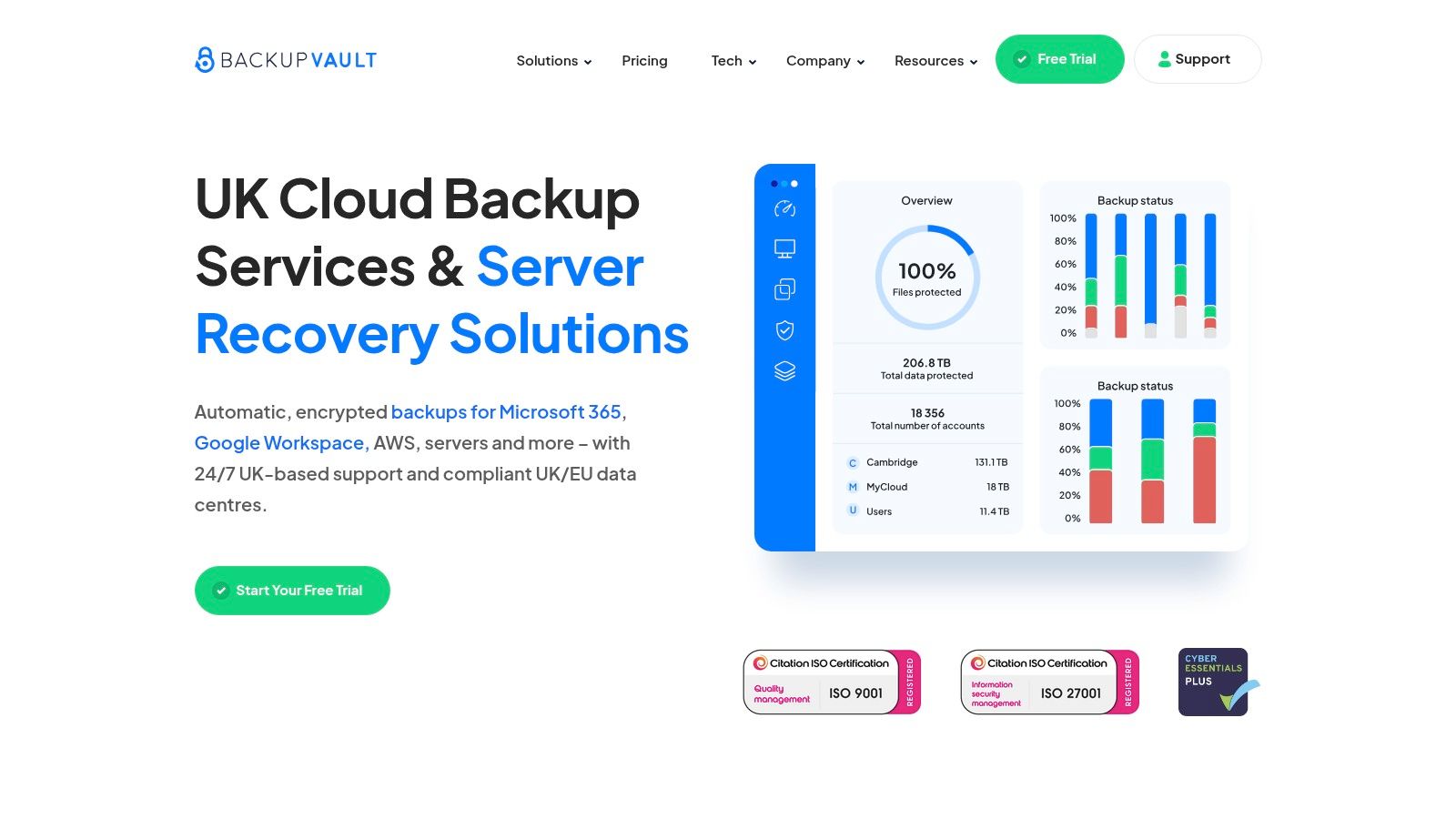
BackupVault supports a wide range of business systems, including Microsoft 365, Google Workspace, Windows and Linux servers, desktops, laptops, and NAS devices. As a result, businesses can protect critical data across their entire IT environment using a single backup solution.
One of the platform’s standout features is its point-in-time recovery capability. Specifically, this feature allows businesses to restore files, applications, or complete systems to a point before a ransomware attack, accidental deletion, or hardware failure occurred. Consequently, organisations can minimise downtime and resume normal operations much faster.
Furthermore, BackupVault’s strong security and reliable recovery capabilities make it an excellent choice for businesses planning long-term growth. Whether you’re expanding into international markets, launching multilingual websites, or creating geo-targeted landing pages, In addition, helps ensure the data supporting your digital operations remains protected and easily recoverable.
Finally, if you’d like to explore similar solutions and compare available options, read our guide on Cloud Backup for Small Businesses. This resource provides additional insights to help you choose the best backup solution for your organisation.
Key Features & Considerations
BackupVault’s main appeal lies in its comprehensive, hands-off approach and its commitment to UK data sovereignty. While its pricing may be higher than some international providers, the value is found in its specialised, UK-based support and infrastructure.
- Best For: UK-based businesses that need a fully managed, compliant backup solution with exceptional, localised support and robust ransomware protection.
- Security: Employs AES 256-bit encryption and stores data in two geographically separate, ISO 27001-certified UK data centres.
- Support: Provides award-winning, 24/7 support from a UK-based team, a key benefit for urgent recovery situations.
- Limitation: The initial configuration process for complex environments might require technical assistance, although their support team is readily available to help.
Website: https://www.backupvault.co.uk/
4. IONOS MyDefender
IONOS MyDefender is a straightforward and user-friendly cloud backup solution designed for small businesses that need broad device support without a complicated setup. It combines strong encryption, automated backups, and reliable cloud storage in a single platform. As a result, businesses can protect valuable data while reducing the time spent managing backups.
One of the platform’s key strengths is its comprehensive device coverage. For example, IONOS MyDefender protects Windows and macOS computers, servers, smartphones, and tablets under one easy-to-manage solution. In addition, all backup data is stored in ISO-certified European data centres, helping businesses maintain high security standards and comply with European data protection regulations.
Furthermore, automated backup processes minimise the risk of data loss caused by cyberattacks, accidental deletion, hardware failures, or unexpected system issues. Consequently, organisations can recover important files quickly and maintain business continuity with minimal disruption.
Overall, IONOS MyDefender provides an accessible and reliable cloud backup solution for growing businesses. Therefore, it is particularly well suited to organisations looking for simple deployment, comprehensive device protection, and secure cloud storage without the complexity of enterprise-level backup systems.
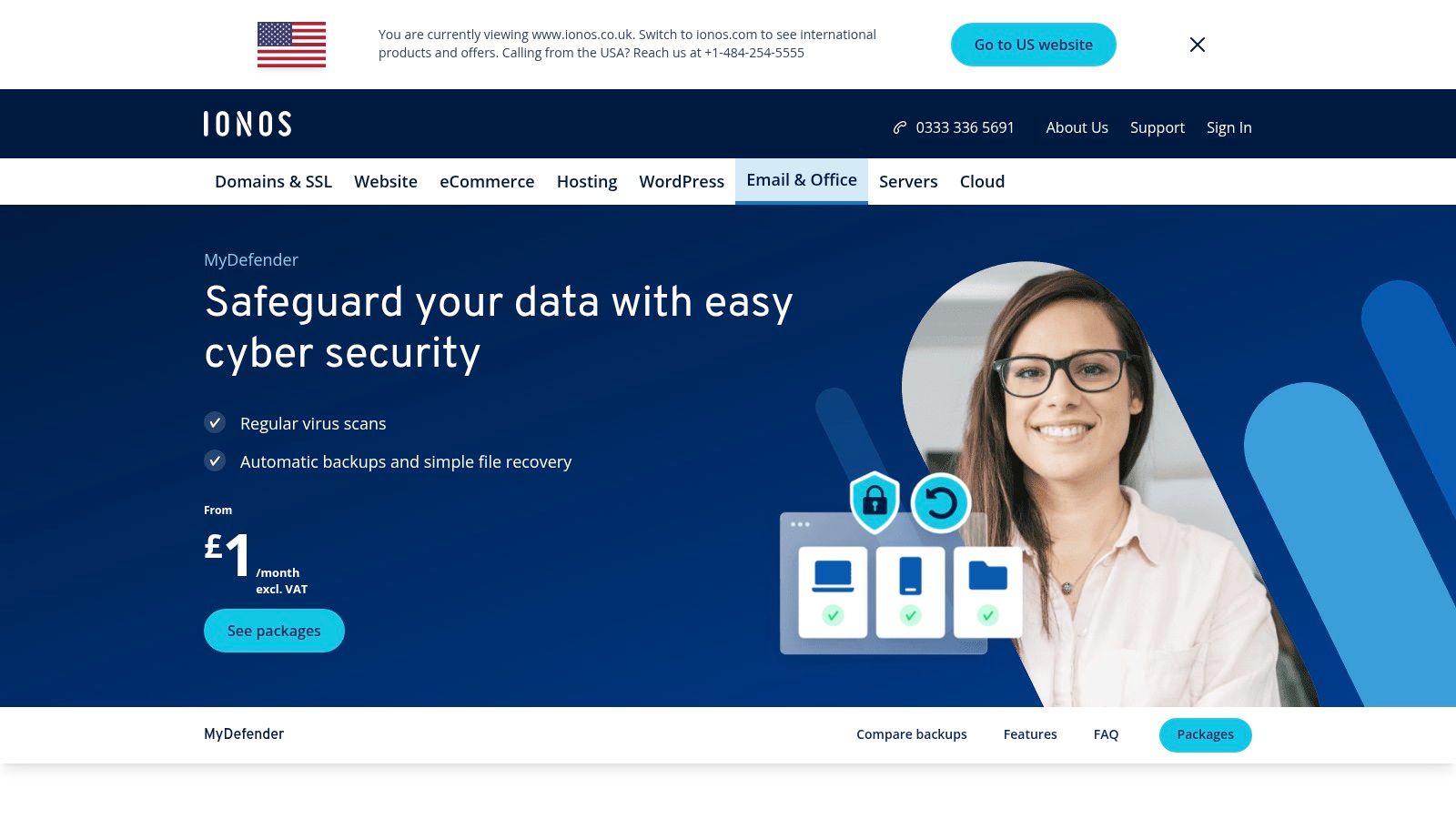
Its focus on simplicity and security makes IONOS MyDefender one of the most accessible small business backup solutions for organisations without a dedicated IT department. In addition, its intuitive management dashboard allows users to configure backups and restore files with minimal technical knowledge.
The platform also offers flexible monthly contracts and transparent pricing. As a result, businesses can easily increase their storage capacity as their data requirements grow. Furthermore, this flexibility makes the solution suitable for startups as well as expanding small businesses.
IONOS MyDefender stores backup data in ISO-certified European data centres. Consequently, businesses can simplify GDPR compliance while benefiting from enterprise-grade security and reliable cloud infrastructure. This approach also supports organisations expanding into international markets by providing a secure foundation for websites, customer databases, and other business-critical applications.
Finally, if you’d like to learn more about the platform’s complete range of cloud and business services, visit the official IONOS website for additional information and product details.
Key Features & Considerations
IONOS MyDefender balances ease of use with essential security features, including built-in ransomware protection. The intuitive management dashboard allows users to monitor backups and restore files with minimal technical knowledge, a key benefit for time-strapped entrepreneurs.
- Best For: Start-ups and small businesses needing a simple, all-in-one backup service that covers multiple device types (Windows, macOS, iOS, Android) and is compliant with European data protection regulations.
- Security: All data is protected with 256-bit AES encryption, ensuring information is secure both during transfer and while stored.
- Support: IONOS provides customer support to guide users through any setup or recovery processes.
- Limitation: While excellent for core backup needs, it may lack some of the advanced enterprise-level features found in more specialised competitors, and there are additional charges for exceeding storage limits.
Website: https://www.ionos.co.uk/office-solutions/mydefender
5. Nectar Cloud
Nectar Cloud provides fully managed Backup as a Service (BaaS) solutions designed specifically for small businesses that prefer a hands-off approach to data protection. Rather than requiring businesses to manage complex backup systems themselves, the platform combines robust security with expert management in a single service. As a result, business owners can focus on their day-to-day operations while their data remains securely protected.
One of Nectar Cloud’s key strengths is its fully managed service model. In addition, the platform monitors backups, manages configurations, and helps ensure business-critical data is protected without constant manual intervention. This approach is particularly valuable for organisations that do not have dedicated IT staff or in-house backup specialists.
Furthermore, Nectar Cloud uses enterprise-grade security measures to protect business data against cyberattacks, accidental deletion, hardware failures, and other unexpected incidents. Consequently, businesses can minimise downtime and recover important files quickly whenever data loss occurs.
Overall, Nectar Cloud offers a secure, reliable, and easy-to-manage cloud backup solution. Therefore, it is an excellent choice for small businesses seeking professional backup management, dependable data protection, and greater peace of mind without increasing their IT workload.
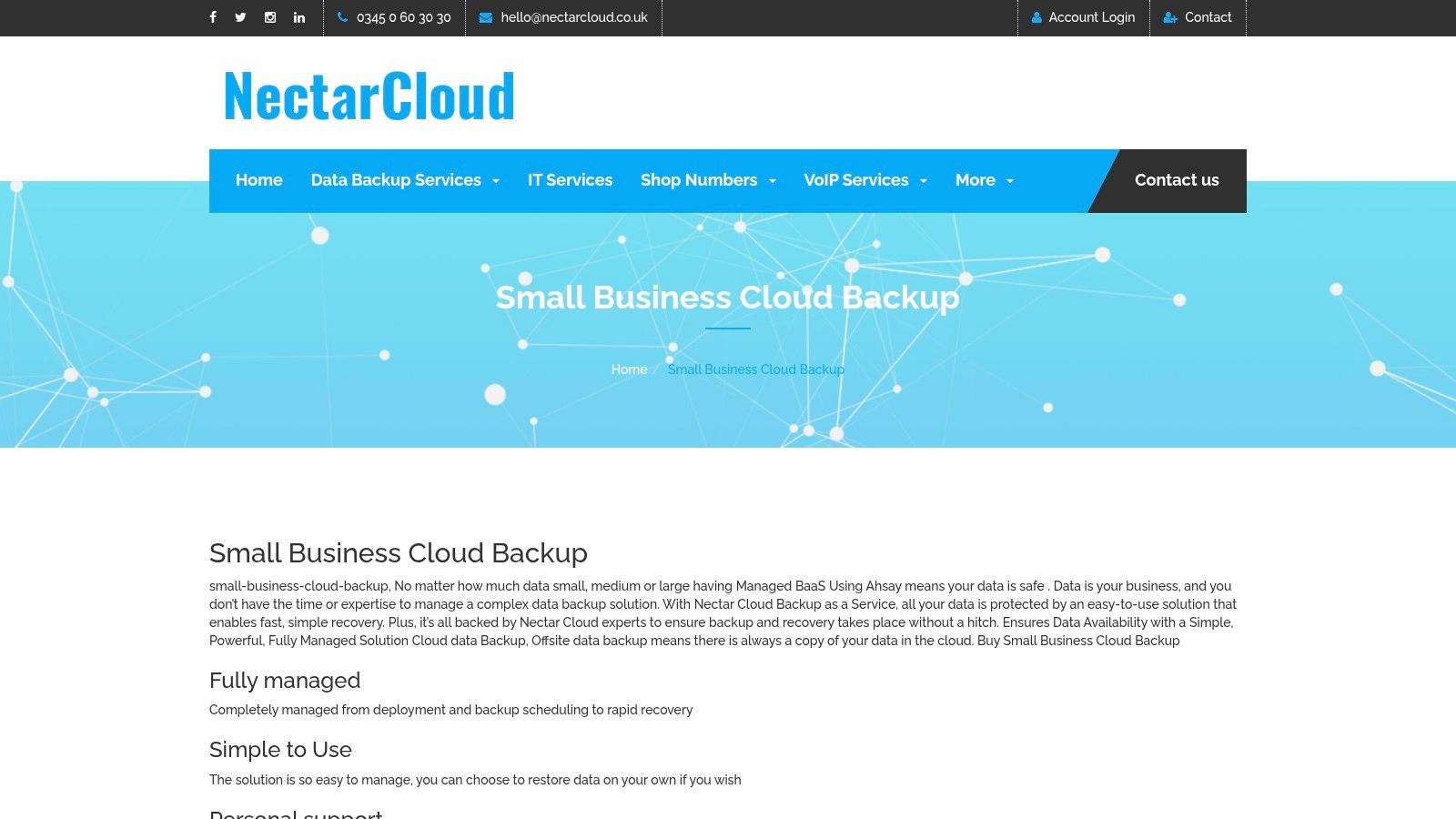
Nectar Cloud supports a wide range of operating systems, including Windows, macOS, and Linux. As a result, it is a versatile cloud backup solution for businesses with diverse IT environments and mixed-device infrastructures.
One of the platform’s standout features is its combination of fully managed backups and flexible data retention policies. By default, backups are retained for 90 days. However, businesses can choose longer retention periods to meet compliance requirements, internal governance policies, or long-term archiving needs. This flexibility allows organisations to adapt their backup strategy as their business grows.
Furthermore, Nectar Cloud’s reliable backup and recovery capabilities help businesses protect critical files, customer records, and operational data. Consequently, organisations can focus on business growth, digital transformation, and international expansion with greater confidence. Whether you’re creating multilingual websites, launching global marketing campaigns, or managing customer data across multiple regions, the platform helps ensure your information remains secure, recoverable, and readily available whenever it is needed.
Key Features & Considerations
Nectar Cloud’s main draw is its fully managed service model, which removes the technical burden from the small business owner. While you must contact them for a customised quote, this ensures the solution is tailored precisely to your company’s data protection needs and budget.
- Best For: Businesses wanting a ‘set-and-forget’ backup solution with expert management and 24/7 support, removing the need for in-house technical expertise.
- Security: Employs strong AES-256 encryption to secure all business data, ensuring it remains protected both during transfer and while stored.
- Support: Provides around-the-clock support, a critical benefit for businesses that operate outside of standard hours or require immediate assistance during a data crisis.
- Limitation: The requirement to request a quote for pricing may not suit businesses looking for immediate, transparent cost comparisons.
Website: https://nectarcloud.co.uk/small-business-cloud-backup/
6. Safe Data Storage
Safe Data Storage is a UK-focused cloud backup provider prioritising security and compliance for small to medium-sized businesses. It delivers a robust service built around ISO 27001 certified, UK-based data centres, making it an excellent choice for companies that must adhere to strict data sovereignty and GDPR regulations. The platform offers a reassuring layer of protection for a company’s entire digital footprint.
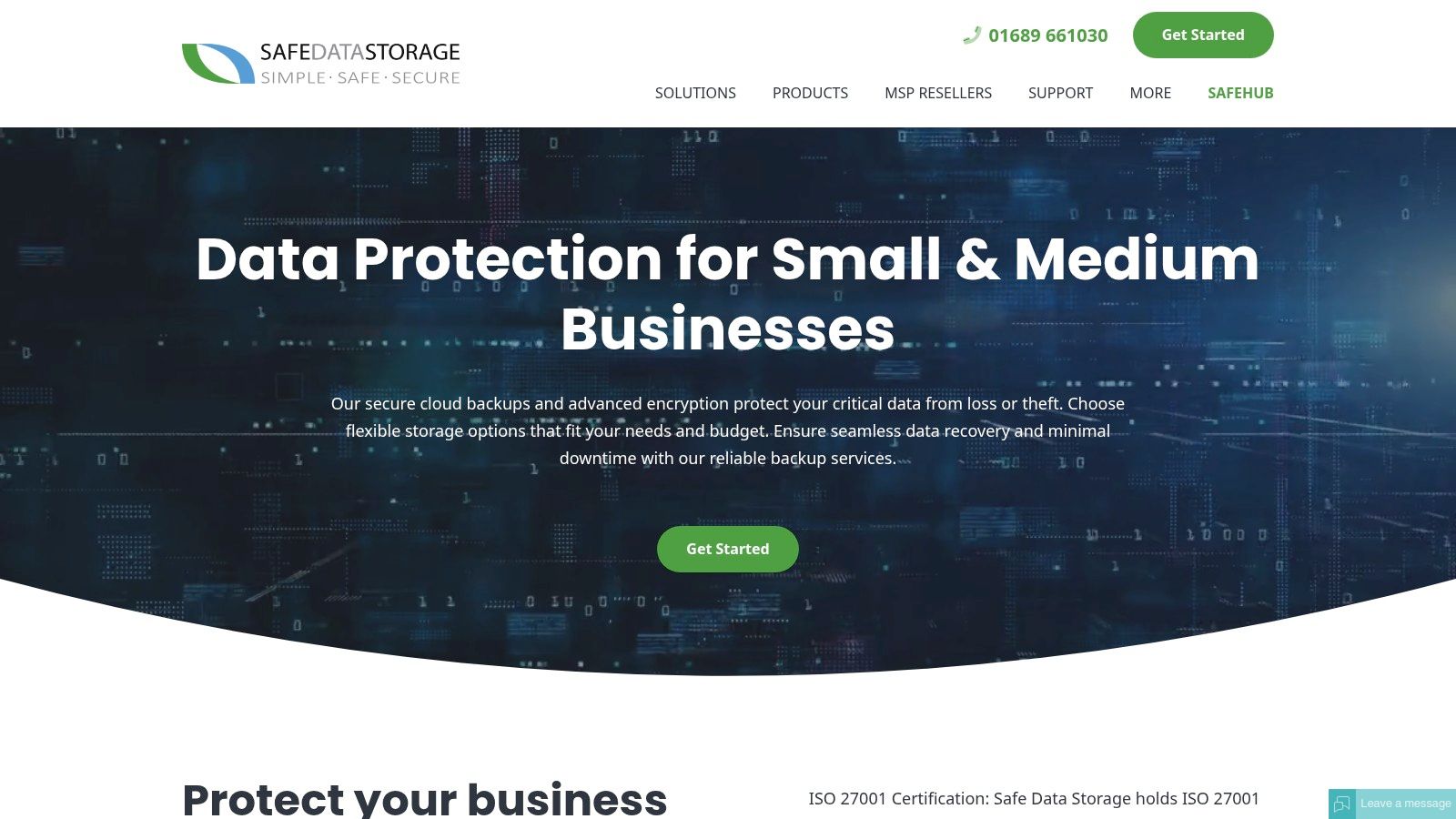
It supports critical business systems like Windows, Synology, and Microsoft 365, ensuring that both on-premise hardware and cloud SaaS applications are covered. Beyond just selecting a solution, understanding how to truly protect your information is vital; for a deeper dive into general data protection, you can learn how to safeguard your data with comprehensive website backups. This versatility makes Safe Data Storage one of the more flexible small business backup solutions available for the UK market.
Key Features & Considerations
Safe Data Storage stands out with its firm commitment to UK data residency and certified security protocols. While you need to contact them for a quote, this ensures their flexible storage plans are tailored to your specific operational needs.
- Best For: UK-based SMEs needing certified, compliant backup for a mix of on-premise hardware and cloud services like Microsoft 365.
- Security: All data is protected with AES 256-bit encryption and stored in ISO 27001 certified data centres.
- Support: Provides UK-based technical support, a key benefit for businesses that value prompt and regional assistance.
- Limitation: The requirement for a direct pricing inquiry means you cannot immediately compare costs, and the initial setup may need some technical assistance.
Website: https://safedatastorage.co.uk/small-and-medium-businesses/
7. Arcserve
Arcserve delivers scalable data protection and disaster recovery solutions suitable for small to midsize businesses, combining enterprise-level features with SMB-friendly pricing. It provides a robust framework for safeguarding a wide range of environments, from physical servers running Windows and Linux to complex virtual infrastructures. This positions Arcserve as a powerful, all-in-one platform for companies that anticipate growth and require a backup solution that can scale with them.
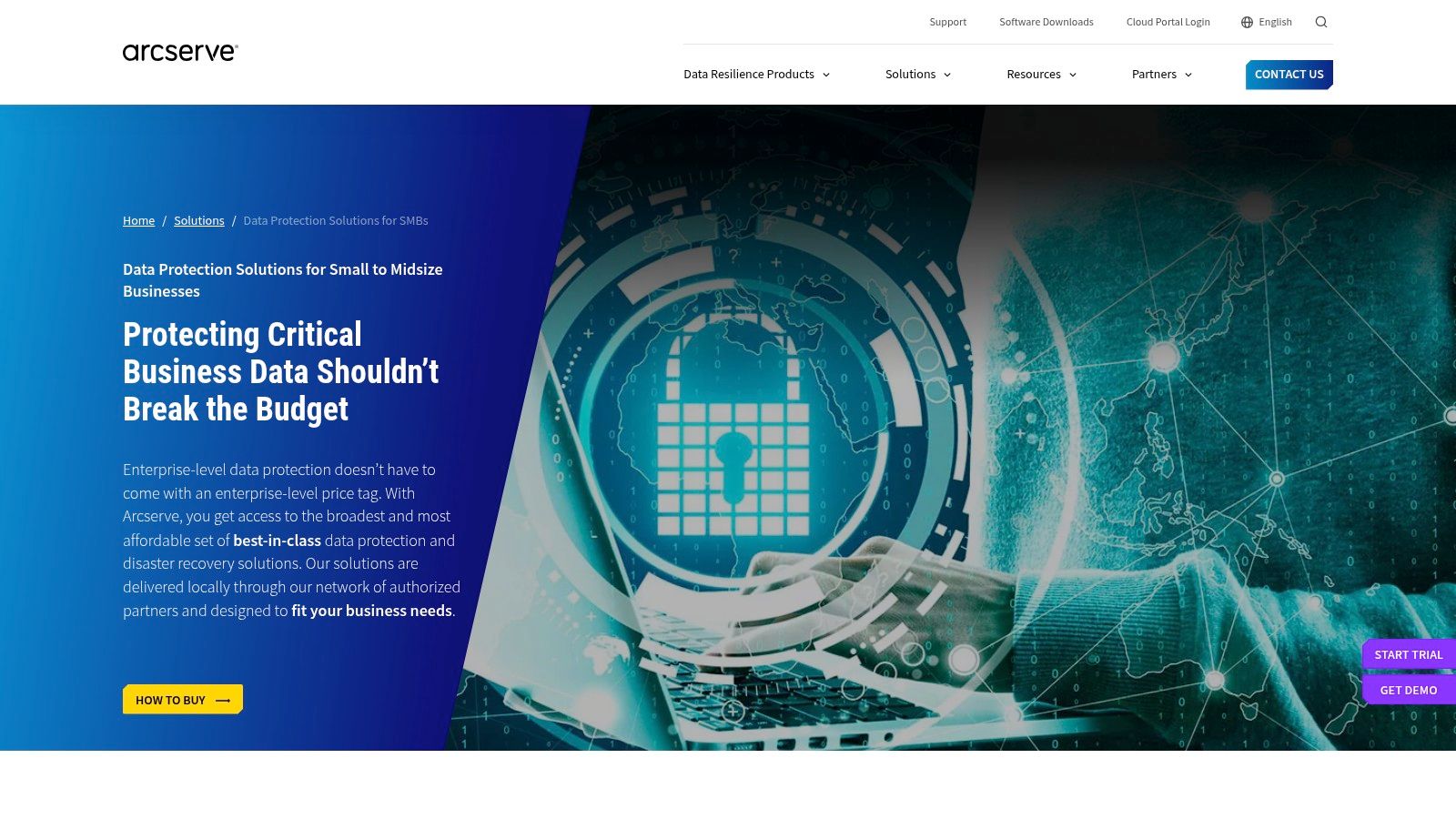
The platform focuses on unified data resilience, integrating advanced ransomware protection and simplified central management to reduce administrative overhead. Its broad compatibility and global presence make it a strong choice for businesses undertaking backlink building in target regions, as its infrastructure can support diverse data residency needs. This focus on comprehensive protection also supports a strong strategy for secure online file transfer protocols within a business’s recovery plan.
Key Features & Considerations
Arcserve stands out by offering enterprise-grade capabilities, such as disaster recovery and high availability, in a package designed for the SMB market. While you must request a quote for pricing, this tailored approach ensures businesses get a solution that fits their specific operational needs and budget.
- Best For: Growing businesses with mixed IT environments (physical, virtual, cloud) that need a scalable, long-term data protection strategy.
- Security: Features robust ransomware protection with sophisticated detection and immutable storage options to ensure data cannot be altered or deleted.
- Support: Offers a global support network, providing access to technical assistance across different regions, which is crucial for international operations.
- Limitation: The breadth of features means that initial setup and ongoing management can be complex and may require dedicated IT expertise.
Website: https://www.arcserve.com/solutions/data-backup-solutions-for-small-business
8. UK IT Networks
UK IT Networks provides highly flexible and cost-effective data backup and recovery services designed specifically for small businesses. Their approach combines both local and offsite backup options, creating a hybrid model that ensures business continuity and rapid data restoration. This service is fully managed, making it an excellent choice for companies without dedicated IT staff who need reliable, hands-off protection.
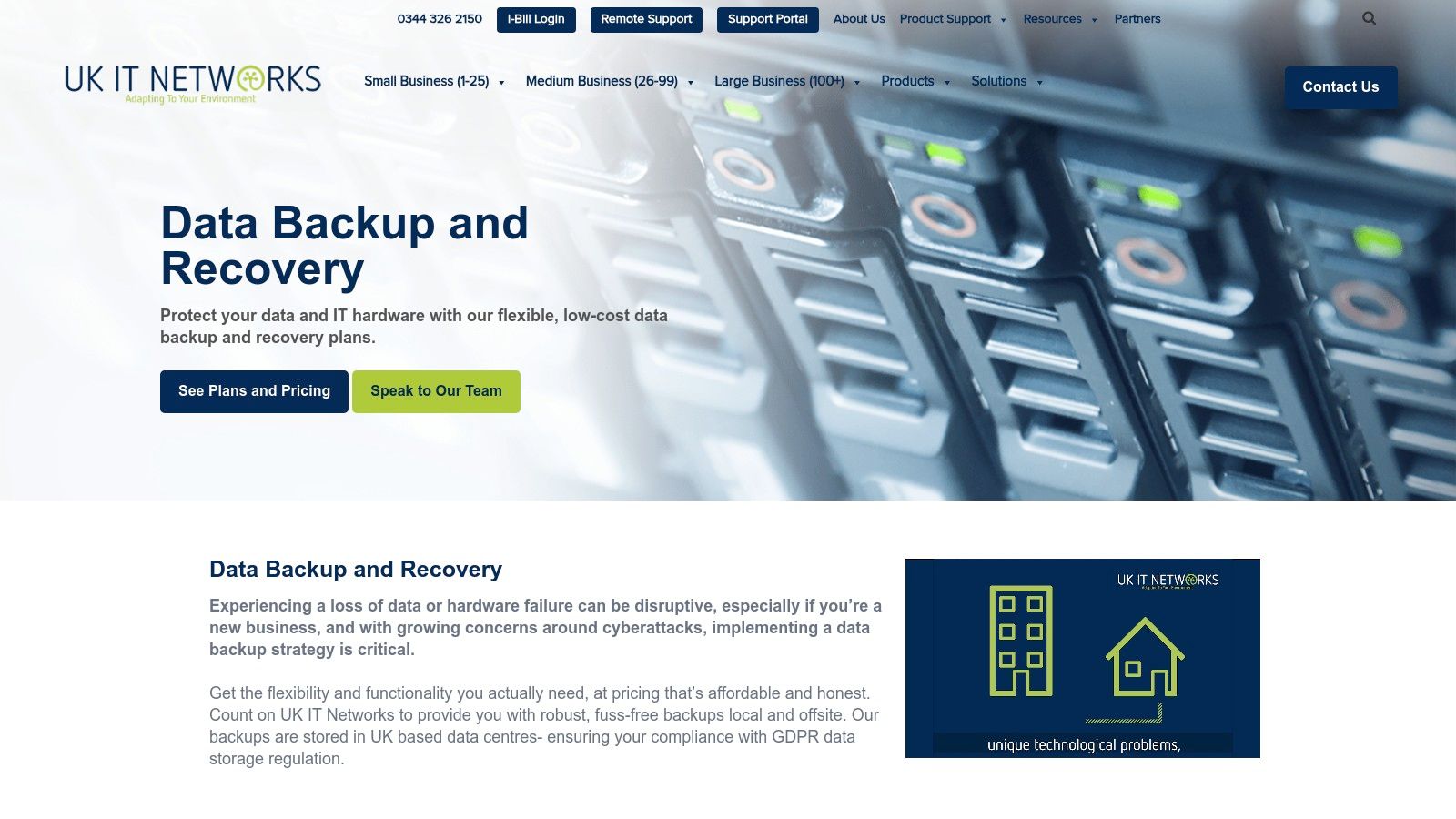
The platform distinguishes itself with a strong emphasis on service and support. By offering 24/7 UK-based assistance, they provide peace of mind that expert help is always available. Their solutions are scalable, meaning the service can grow alongside your business, ensuring you only pay for the resources you currently require. This makes it one of the more adaptable small business backup solutions for growing enterprises.
Key Features & Considerations
UK IT Networks excels in delivering a bespoke, managed service that prioritises security and customer support. While pricing is customised based on specific needs, this ensures a tailored and cost-efficient plan for every client.
- Best For: Small businesses that lack an in-house IT team and require a fully managed, scalable backup solution with robust, round-the-clock UK support.
- Security: Focuses on strong compliance and security protocols to protect business data, offering both local backups for speed and offsite backups for disaster recovery.
- Support: Provides 24/7 UK-based support, which is a significant benefit for organisations that operate outside standard business hours or need immediate assistance.
- Limitation: The initial configuration may require some technical assistance to integrate properly, though this is managed by their support team as part of the service.
Website: https://ukitnetworks.com/it-services/data-backup-recovery-small/
9. TrentStone
TrentStone’s Polaris Backup is a UK-based cloud backup solution designed for simplicity and security, catering to small businesses that need straightforward, reliable data protection. It provides a user-friendly platform that supports major operating systems including Windows, macOS, and Linux, making it a versatile choice for companies with diverse IT environments. The core of its offering is automated, secure backups without a complex feature set, ideal for businesses that prioritise ease of use.
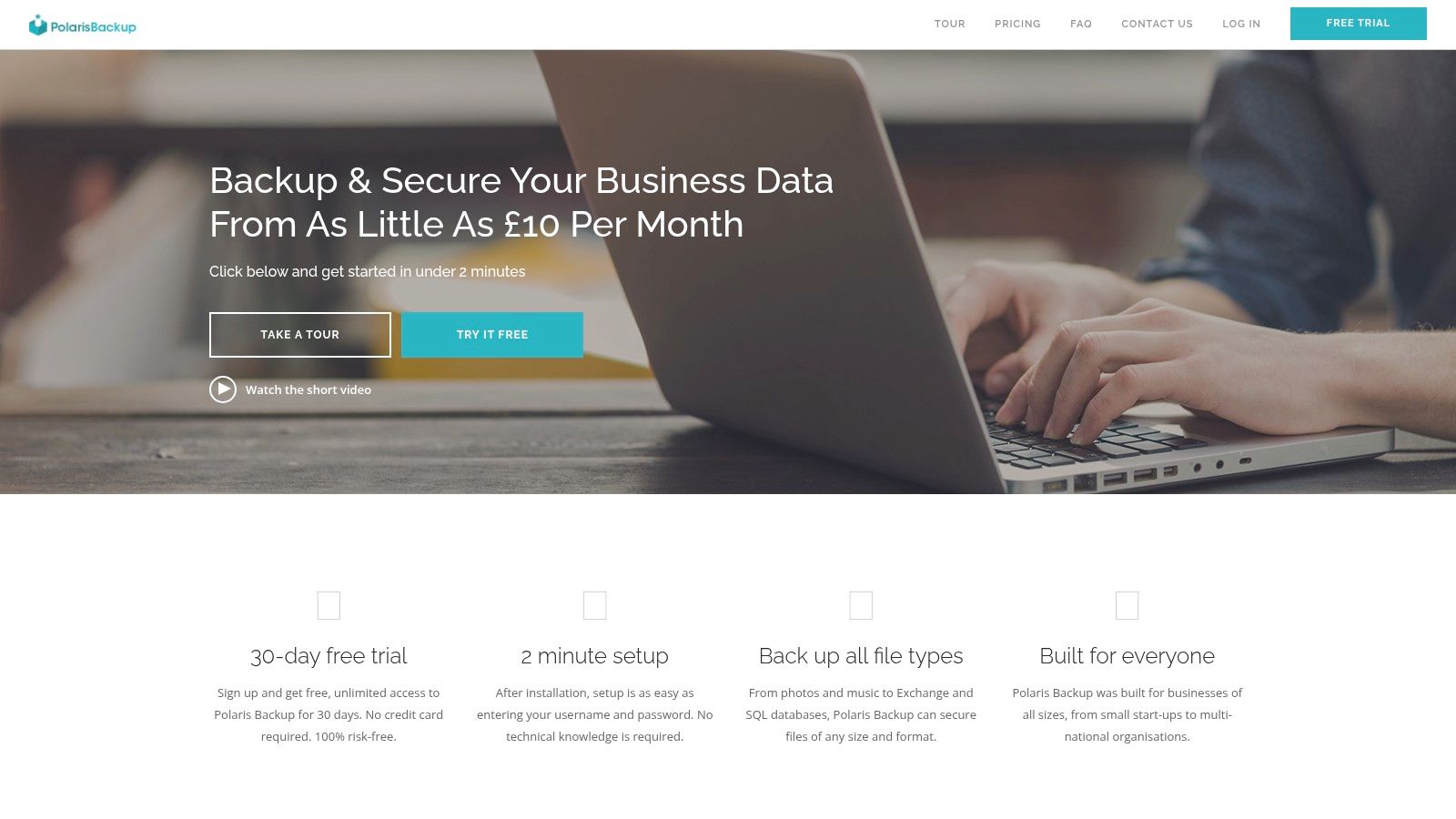
This service focuses on essential functionality, offering customisable scheduling and daily email reports to keep business owners informed about their backup status. Its emphasis on a simple setup process and multi-platform compatibility makes it one of the more accessible small business backup solutions for those who are not IT experts. TrentStone’s approach is well-suited for businesses seeking a “set and forget” backup system with strong underlying security protocols.
Key Features & Considerations
TrentStone distinguishes itself with a clear focus on core backup functionality and robust security, delivered through a simple interface. While pricing is not publicly listed and requires a direct enquiry, this allows for a tailored plan, and they offer a 30-day free trial to test the service.
- Best For: Small businesses, sole traders, or professional practices needing a simple, secure, and cross-platform backup solution without advanced enterprise features.
- Security: Employs AES 256-bit encryption to secure all data, ensuring files are protected both during transfer and while stored on their servers.
- Support: Provides monitoring capabilities through daily email summaries and a dedicated mobile app, allowing for quick checks on backup health.
- Limitation: The service is light on advanced features like server virtualisation or bare-metal recovery options, which larger or more technically demanding businesses might require.
Website: https://www.trentstone.co.uk/
10. Acronis Cyber Protect
Acronis Cyber Protect moves beyond traditional backup by integrating it with advanced cybersecurity features. This platform offers small businesses a unified solution that combines AI-driven ransomware protection with robust data recovery tools. It’s designed for companies that recognise modern threats require a more proactive, combined defence against both data loss and cyberattacks, consolidating multiple security functions into one streamlined package.
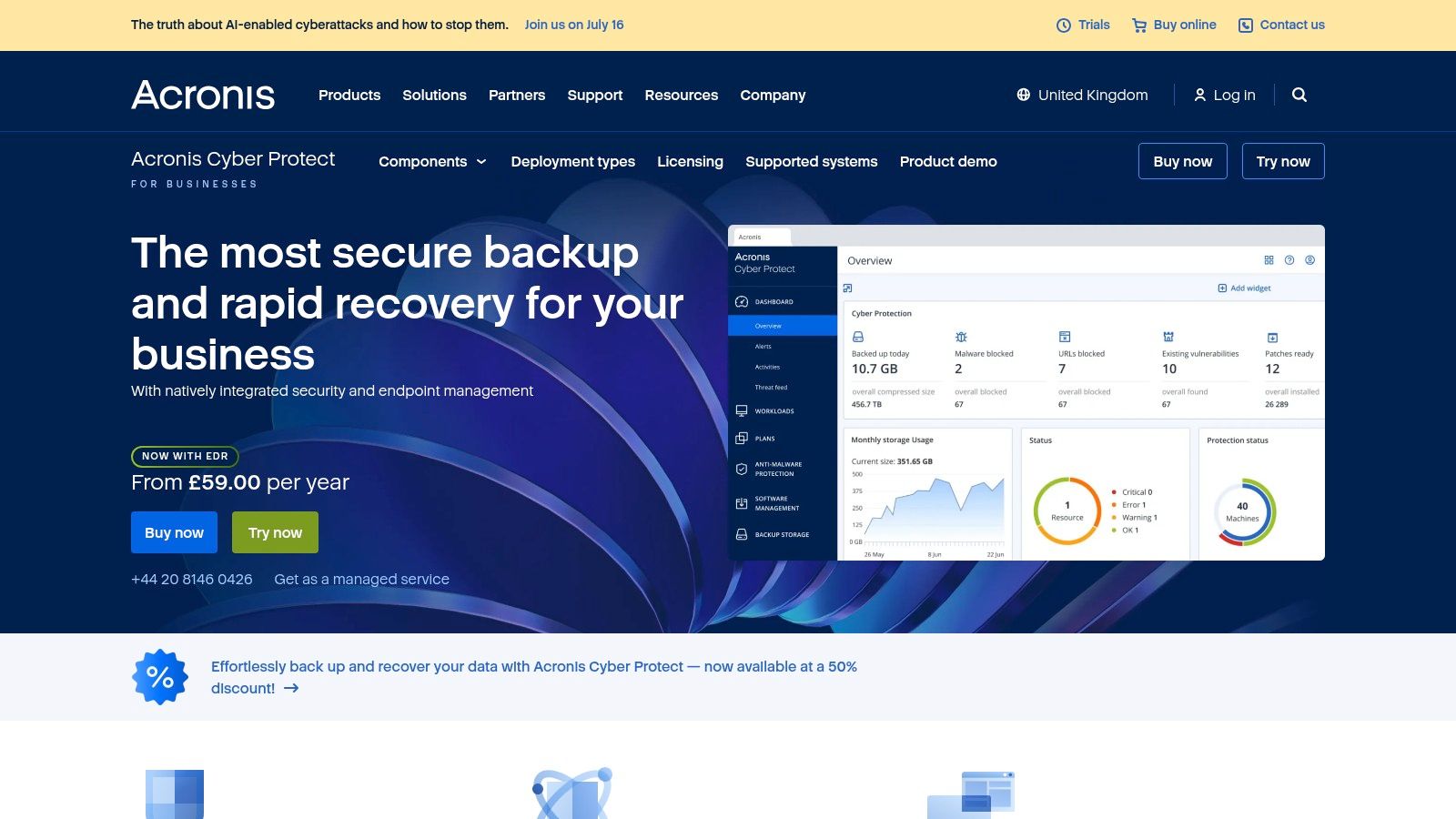
The service supports Windows, macOS, and Linux systems, offering full-disk imaging that ensures rapid, complete recovery after a system failure. Managed through a centralised web console, it provides a comprehensive overview of your security and backup status. This integrated approach is ideal for businesses that need to ensure high availability while managing conversion optimisation per region, as downtime can severely impact international sales.
Key Features & Considerations
Acronis stands out by treating backup as a core component of a broader cybersecurity strategy. While this integrated approach comes at a higher price point than backup-only services, it delivers significant value by reducing complexity and closing security gaps.
- Best For: Tech-savvy small businesses or those in high-risk industries that need an all-in-one backup and cybersecurity platform to defend against sophisticated threats.
- Security: Features AI-powered anti-malware and anti-ransomware protection, vulnerability assessments, and forensic backup capabilities.
- Support: Offers global support options, with localised resources available for different regions to help with implementation and troubleshooting.
- Limitation: The comprehensive features can be resource-intensive during backup and scanning processes, potentially impacting system performance on older hardware.
Website: https://www.acronis.com/en-gb/products/cyber-protect/
11. IDrive
IDrive offers a highly versatile cloud backup service that stands out for its unique “one account, unlimited devices” policy. This makes it an incredibly cost-effective solution for small businesses with multiple computers, servers, and mobile devices to protect. It provides a comprehensive approach, combining cloud backup with hybrid options, allowing users to create local backups for faster recovery.
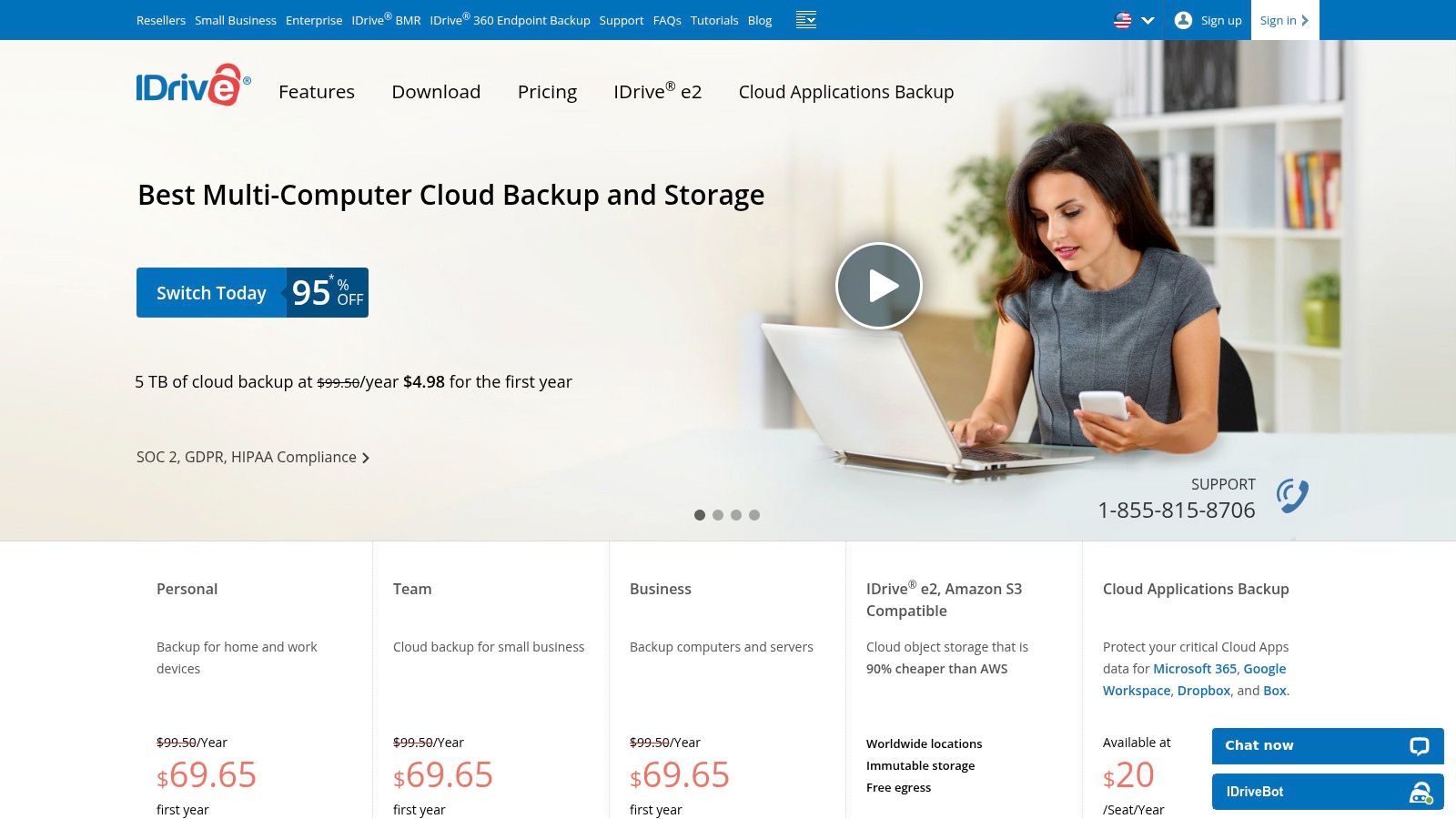
This platform supports a wide range of operating systems, including Windows, macOS, Linux, iOS, and Android, ensuring nearly every device in a small business ecosystem is covered. Its combination of affordability, extensive device support, and robust security features makes IDrive a strong contender among small business backup solutions, especially for companies that need to secure data across diverse global teams.
Key Features & Considerations
IDrive’s main draw is its exceptional value, bundling features that are often premium add-ons with other providers. While some users find the interface slightly dated, its functionality is powerful and reliable, catering to both novice and technical users.
- Best For: Small businesses and sole traders seeking a budget-friendly solution to back up an unlimited number of devices under a single, centralised plan.
- Security: Implements 256-bit AES encryption with an option for users to set a private, non-recoverable encryption key for maximum privacy.
- Support: Provides 24/7 support via live chat, email, and phone, offering accessible assistance across different time zones.
- Limitation: The user interface can feel less modern compared to some competitors, and its support for Linux distributions is more limited than for Windows or macOS.
Website: https://www.idrive.com/
12. Synology Active Backup for Business
Synology Active Backup for Business is a comprehensive, centralised backup solution for businesses already invested in the Synology ecosystem. Rather than a standalone cloud service, it is a powerful software package that runs on a Synology Network Attached Storage (NAS) device. This approach offers a highly cost-effective way to protect critical data from physical workstations, servers, and virtual machines without incurring extra licensing fees per device.
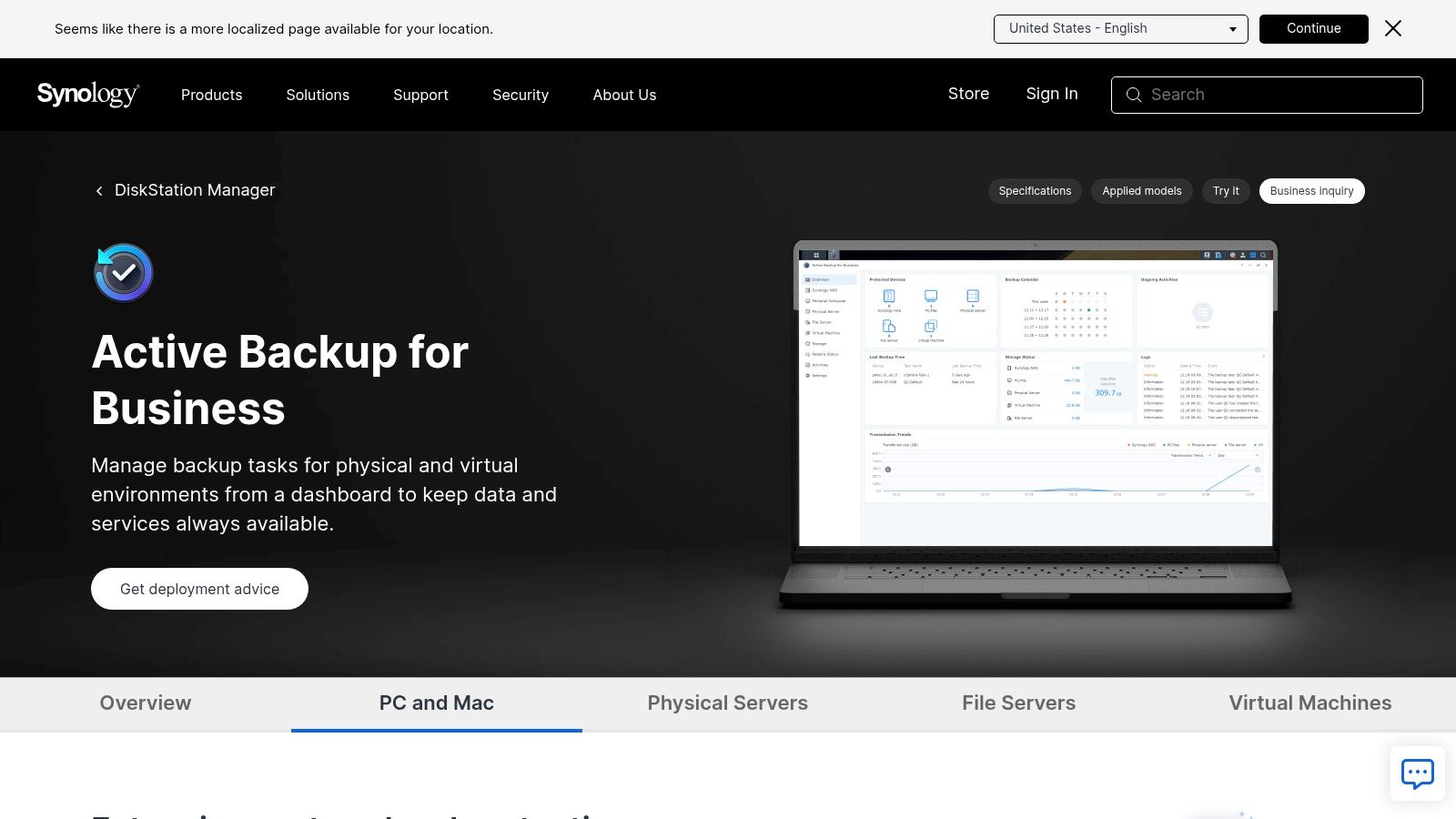
It allows businesses to create a powerful hybrid backup strategy, storing data locally on the NAS for fast recovery while also replicating it to the cloud for disaster recovery. This control over data residency is a powerful tool for companies developing multilingual content, as it allows them to meet specific regional data storage requirements. Proper configuration is key, and understanding document management best practices can maximise its effectiveness.
Key Features & Considerations
Active Backup for Business stands out by eliminating licensing costs, a significant advantage for businesses with numerous endpoints. The value is intrinsically linked to owning a Synology NAS, making it a natural choice for existing users.
- Best For: Businesses that own or plan to purchase a Synology NAS and want a centralised, license-free solution for backing up Windows/Linux PCs, servers, and VMs.
- Security: Supports AES 256-bit encryption for data in transit and at rest, ensuring data stored on the NAS is secure.
- Support: Support is provided through Synology’s global support network, with resources available via their online portal and community forums.
- Limitation: The primary requirement is owning a compatible Synology NAS, which represents an initial hardware investment. The solution is entirely dependent on the Synology ecosystem.
Website: https://www.synology.com/en-uk/dsm/feature/active_backup_business
Backup Solutions Feature Comparison for 12 Providers
| Service | Core Features/Characteristics | User Experience/Quality ★ | Value Proposition 💰 | Target Audience 👥 | Unique Selling Points ✨ |
|---|---|---|---|---|---|
| 🏆 Digital Fusion Hub | Up to 5TB storage, 20GB file size, AES-256 AES | ★★★★★ Fast, batch uploads | 💰 From $2.49/mo, scalable plans | Freelancers, SMBs, Individuals | Custom sharing controls, unlimited transfers |
| Deep Blue Backup | Automated backups, UK data center, GDPR compliant | ★★★★ Reliable & automated | 💰 Transparent (inquiry needed) | UK SMEs | UK-based storage, MS 365 & Google Workspace |
| BackupVault | Point-in-time backups, UK centers, 24/7 support | ★★★★ Strong security focus | 💰 Flexible pricing | SMBs | Ransomware protection, redundant UK storage |
| IONOS MyDefender | Multi-OS support, 256-bit AES, ISO-certified | ★★★★ Easy setup, device support | 💰 Monthly contracts | Small businesses | Broad device support, ISO compliance |
| Nectar Cloud | Fully managed BaaS, AES-256, 90-day retention | ★★★★ Comprehensive management | 💰 Inquiry required | SMBs seeking managed backup | Flexible retention, 24/7 support |
| Safe Data Storage | Synology/MS365 support, ISO 27001, UK data centers | ★★★★ Secure & compliant | 💰 Inquiry required | Small/medium businesses | Strong compliance, flexible storage |
| Arcserve | Disaster recovery, scalable, ransomware protection | ★★★★ Enterprise features | 💰 Inquiry required | SMBs needing DR | Centralized management, broad platform support |
| UK IT Networks | Local/offsite backup, fully managed, 24/7 support | ★★★★ Flexible and affordable | 💰 Pricing varies | Small businesses | Local/offsite options, 24/7 UK support |
| TrentStone | Multi-OS support, AES encryption, monitoring | ★★★★ Easy setup, daily reports | 💰 Inquiry required | SMBs | Mobile app monitoring, customizable backup schedule |
| Acronis Cyber Protect | Backup + cybersecurity, AI ransomware protection | ★★★★ Fast recovery | 💰 Higher price point | SMBs needing security | AI-driven protection, full-disk imaging |
| IDrive | Unlimited devices, hybrid backup, AES encryption | ★★★★ Affordable & flexible | 💰 Competitive pricing | Small businesses | Backup unlimited devices, hybrid backup |
| Synology Active Backup | Centralized NAS backup, no licensing fees | ★★★★ Cost-effective | 💰 Cost-effective | Businesses with Synology | Seamless Synology integration, hybrid backup |
Choosing Your Future-Proof Backup Partner
We’ve explored a comprehensive landscape of small business backup solutions, from UK-centric specialists like BackupVault and TrentStone to international powerhouses like Acronis and IDrive. The journey from recognising the need for data protection to selecting the right partner is a critical one for any business owner. Your choice is more than just a software subscription; it’s an investment in your company’s resilience, reputation, and future growth potential.
The key takeaway is that there is no single “best” solution for everyone. The ideal choice for a local solicitor’s office with strict data sovereignty requirements will differ significantly from that of a digital marketing agency with a remote team spread across continents. A tool like Synology Active Backup for Business offers incredible value for those with existing hardware, while cloud-native options like IONOS MyDefender provide an accessible, all-in-one security package. Your decision-making process must be anchored in a clear understanding of your own operational realities.
Final Considerations for Your Selection
Before making your final choice, reflect on these crucial factors that extend beyond feature lists and pricing tiers:
- Scalability and Growth: Your chosen solution must grow with you. Consider how it handles an expanding team, increasing data volumes, and a potential move into international markets. A platform that supports geo-targeted strategies and localised data storage can be a significant asset for global expansion.
- Implementation and Management: Who will be responsible for managing the backup process? A solution that requires significant technical expertise, like Arcserve, might be perfect for a business with dedicated IT staff, but a simpler, automated tool like Safe Data Storage could be better for a small team wearing multiple hats.
- Compliance and Data Sovereignty: For many UK businesses, keeping data within national borders is a non-negotiable requirement for compliance with regulations like GDPR. Services such as UK IT Networks are explicitly organised around this need, providing essential peace of mind.
- Recovery Process: A backup is only as good as its restorability. Investigate the recovery time objective (RTO) and recovery point objective (RPO) of each service. How quickly can you get back online after a disaster, and how much data might you lose? Test this process during your trial period.
Ultimately, selecting from the many available small business backup solutions is a strategic act of foresight. You are not just buying a safety net; you are enabling your business to operate with confidence, adapt to unforeseen challenges, and seize opportunities without fear. The right partner will protect your most valuable asset – your data – allowing you to focus on what you do best: building your business.
Ready to implement a backup solution that supports both local security and global ambition? Digital Fusion Hub offers robust, user-friendly cloud storage with features tailored for small businesses looking to scale. Discover how its secure infrastructure can become the backbone of your data protection strategy at Digital Fusion Hub — Sign Up.
Free Online Tools for SEO, Web Design & Marketing
https://ventraip.com.au/affiliate/BNCllCRh
https://belkinau.evyy.net/enad6O
https://bluehost.sjv.io/xJzZv1
https://calliegifts.pxf.io/ZVq0OX
https://jinyuinternationaltradingcolimited.sjv.io/gRJyjA
https://namecheap.pxf.io/k4JWvd
https://vistasocial.sjv.io/enkaZr
https://digitalfusionhub.com/shop/
https://digitalfusionhub.com/cloud-storage/
https://digitalfusionhub.com/cloud-storage/page/web-hosting
https://digitalfusionhub.com/product-key/
https://www.hostpapa.com/?a_aid=wnmf1f38ohtdh
https://chemicloud.com/#e5qnz9oxmhkw8
Ready to transform your results? Let’s build something powerful together. Visit DigitalFusionHub.com, email info@digitalfusionhub.com to book your free consultation today. Let’s build something exceptional together.